Images
Convert PNG, JPEG, and WebP. Resize, compress, and remove metadata in a batch.
 Mono
Respects system motion and transparency preferences.
Batch file processing for Windows.
Add files, choose an operation, preview, and run.
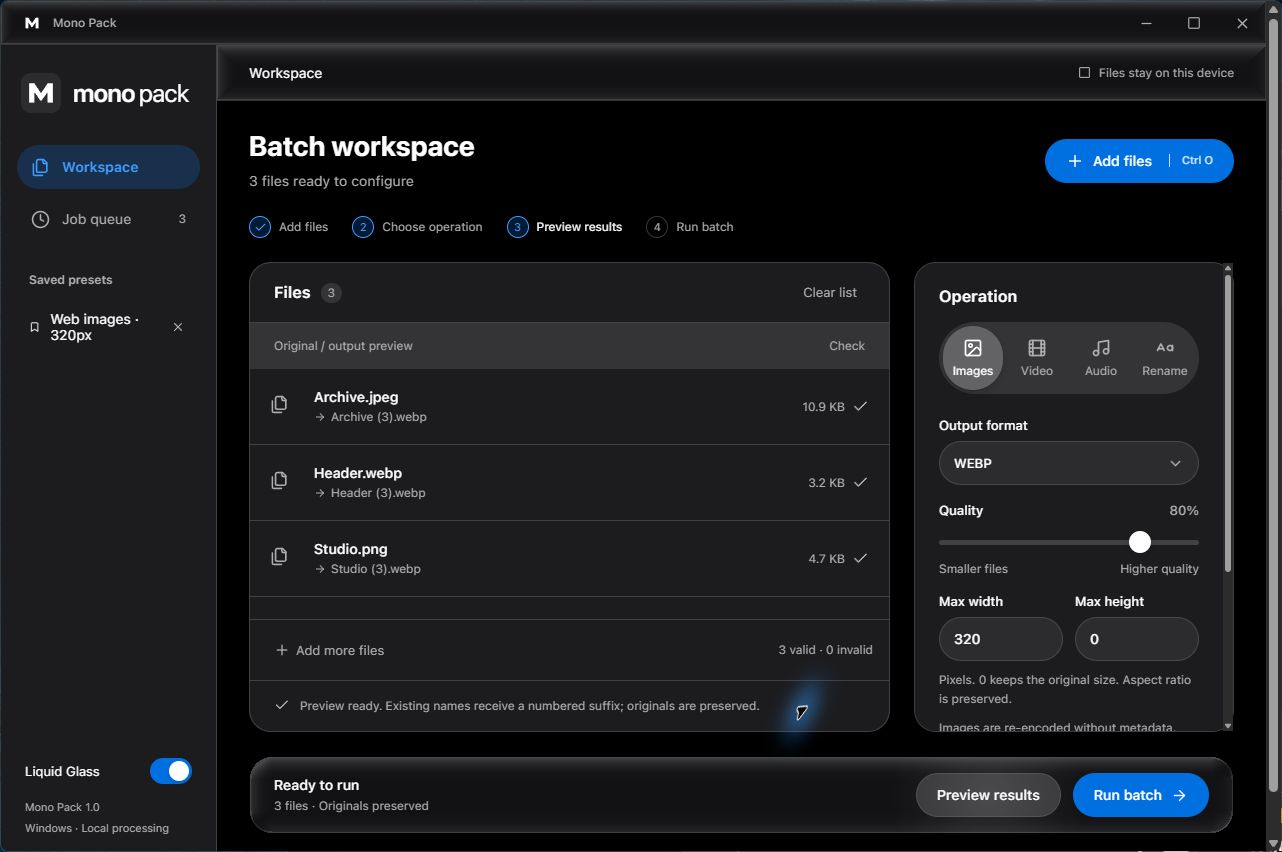
Convert PNG, JPEG, and WebP. Resize, compress, and remove metadata in a batch.
Compress video or convert it to MP4 and WebM. Extract audio to MP3, WAV, or M4A.
Find and replace, add numbering, prefixes, and suffixes. Preview the new names and keep an undo record.
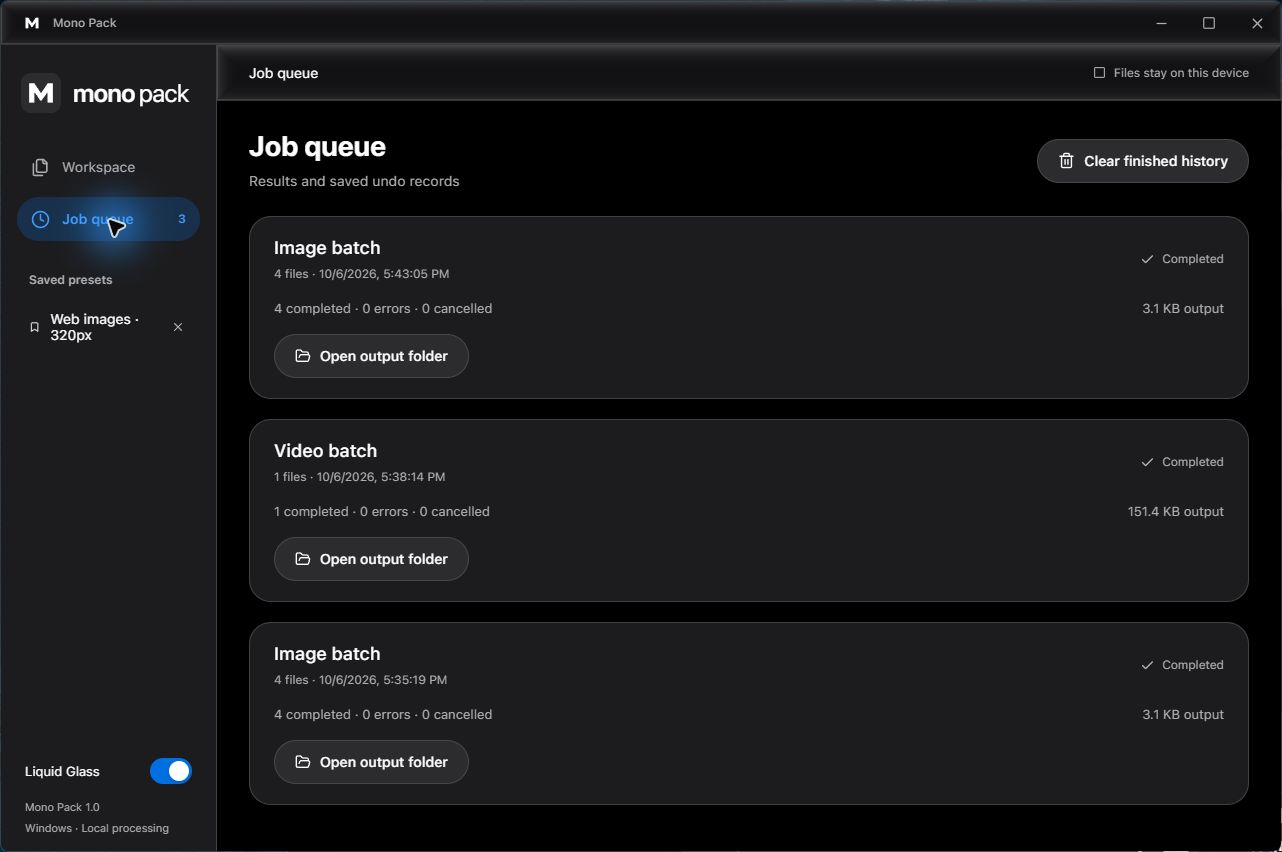
Save presets, drag in files, and choose an output folder. Follow progress, cancel a run, and review the summary.
Originals are preserved by default. Open the output folder when the batch finishes.